

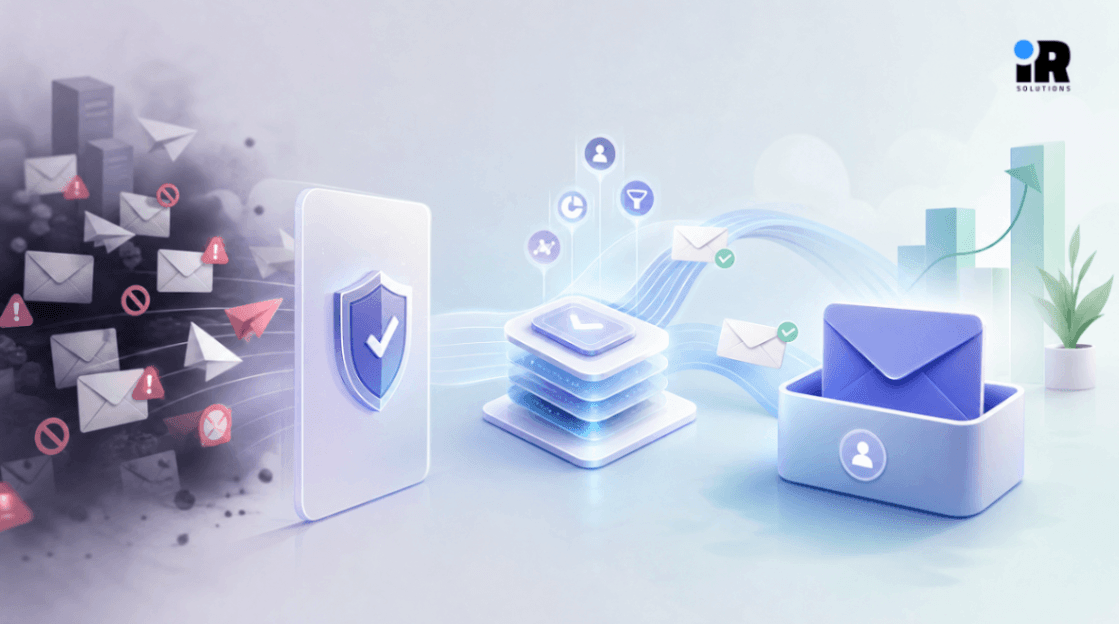

You spent hours writing the perfect email campaign, and your open rate is 2%, that is not a content problem. Most businesses never realise their emails are going straight to spam before a single subscriber even sees them. Email deliverability is one of the most technically misunderstood parts of digital marketing, and it is costing businesses real revenue every single day.
This guide breaks down every layer of the problem, what spam filters actually look for, how domain reputation works, what authentication records you need, and how a proper email infrastructure gets built. If your business relies on email for leads, retention, or revenue, getting your web and marketing foundation right is where long-term results begin. That’s where Klaviyo experts help, turning customer behavior into automated, revenue-focused email flows that actually drive consistent growth.
What Is Email Deliverability, and Why Most Businesses Get It Wrong
Email deliverability is whether your email lands in the inbox, not just whether it was technically sent. A lot of teams track delivery rate and think they are covered, but they are not.
Delivery rate measures whether the receiving mail server accepted the email. Deliverability measures whether that email made it past spam filters and appeared in the actual inbox. You can have a 99% delivery rate and still have 40% of your emails landing in the spam folder. Most platforms will never tell you that directly.
The business cost here is real, if you are sending 20,000 emails a month and 35% are going to spam, you are effectively wasting a third of your email budget and reaching a fraction of the audience you paid to build. For companies using email for sales outreach, customer onboarding, or retention sequences, this is not a minor inconvenience, it is a broken revenue channel.
The reason this problem is so widespread is that email infrastructure has gotten significantly more complex over the last five years. ISPs like Gmail, Yahoo, and Outlook have moved far beyond keyword-based filtering. Their systems now evaluate sender reputation, authentication records, engagement history, content signals, and behavioural patterns all simultaneously. A business that set up its email platform three years ago and never revisited it is almost certainly dealing with problems it does not know about yet.
How Spam Filters Actually Evaluate Your Emails
Understanding what spam filters are checking helps you stop guessing and start solving the right problems, modern filters do not work the way most people think.
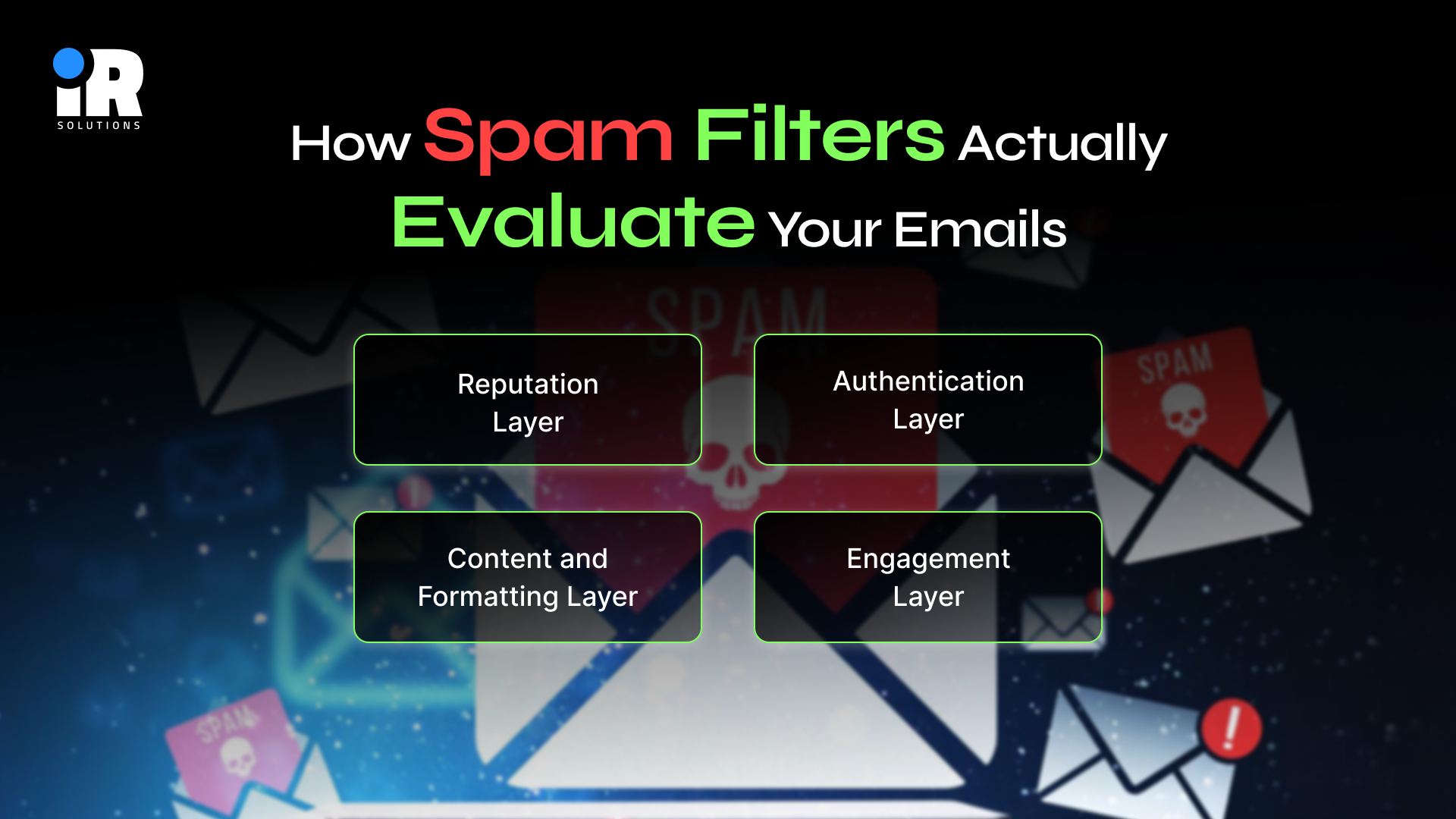
Reputation Layer
Before any email content is even examined, the receiving server checks the reputation of the IP address and domain you are sending from. Every domain that sends email has an invisible score maintained by ISPs. This score is built over time based on your complaint rates, bounce rates, engagement history, and whether your addresses have ever hit spam traps. If your score is poor, your emails go to spam before any human being decides for them.
Authentication Layer
Immediately after reputation, the filter checks whether your email is cryptographically legitimate. It looks for SPF, DKIM, and DMARC records in your DNS. If these are missing or misconfigured, many mail servers will either reject your email outright or send it directly to spam, regardless of how good your content is.
Content and Formatting Layer
Once authentication passes, filters analyse the actual email, which includes the subject line, the sender name, the HTML structure, the ratio of images to text, the links inside the email, and specific language patterns associated with spam. Things like excessive capitalisation, misleading from-names, broken HTML, or links going through suspicious redirect domains all raise your spam score.
Engagement Layer
Gmail in particular places enormous weight on how real users interact with your emails. If your subscribers open, reply to, or move your emails to the primary tab, your reputation improves. If they delete without opening, file spam complaints, or unsubscribe frequently, your reputation drops. This is why sending to a large but disengaged list is actively harmful, not just ineffective.
The Three Authentication Records That Every Sender Needs
Authentication is non-negotiable, if your domain is not properly authenticated, no other fix will matter. These three records need to be correctly configured in your DNS before anything else.
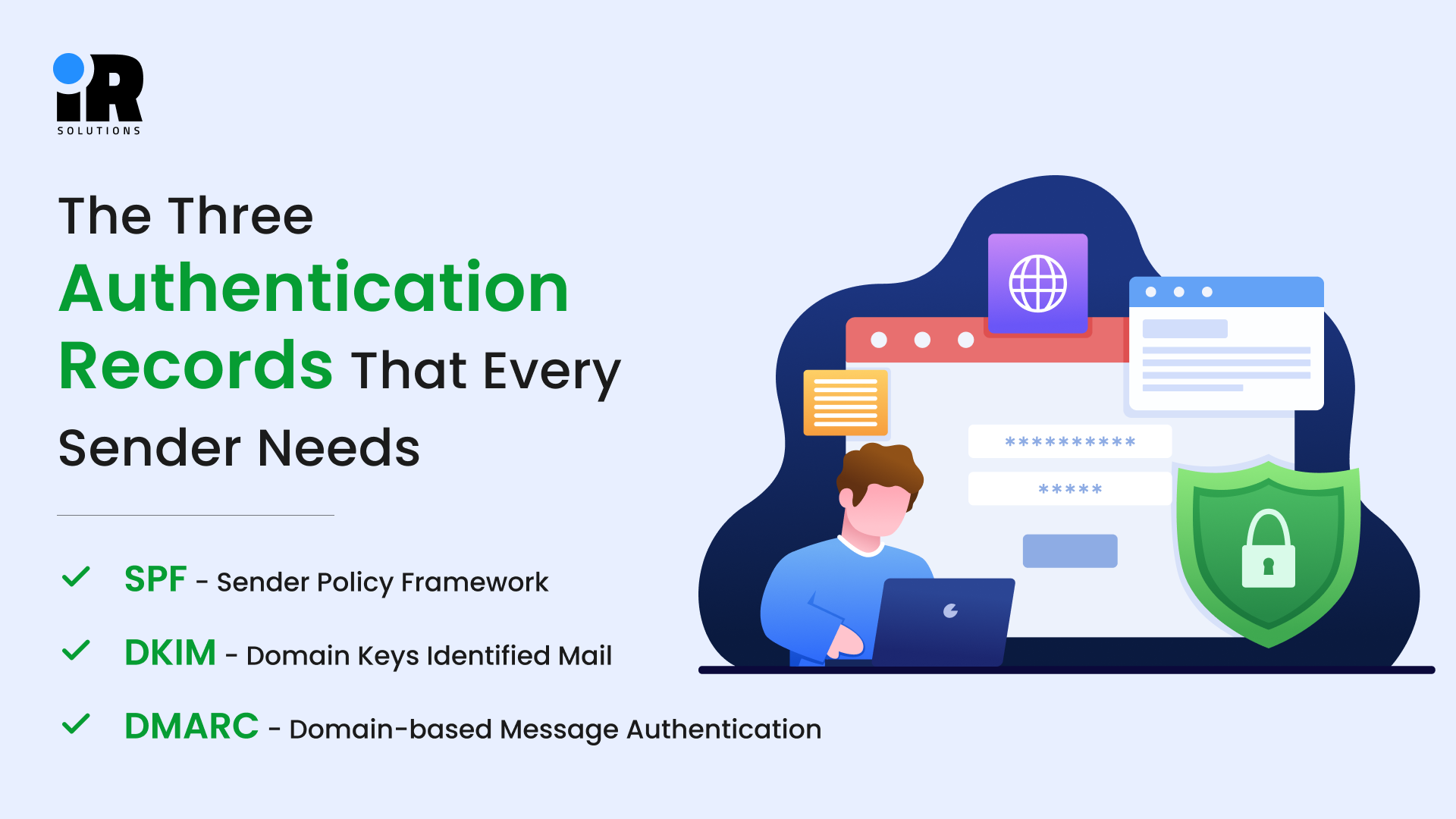
SPF - Sender Policy Framework
SPF authorises specific IPs and services to send emails for your domain, helping prevent spoofing and improving email trust with spam filters.
- How to set it up: Add a TXT record to your domain's DNS that lists every authorised sending source, your ESP, your CRM, and your transactional email provider.
- Most common mistake: Having multiple SPF records, or forgetting to add third-party tools that send email on your behalf.
- Rule to follow: You can only have one SPF TXT record per domain, combine all your authorised senders into a single record.
DKIM - DomainKeys Identified Mail
DKIM adds a secure signature to your emails, verifying they came from your domain and weren’t altered in transit.
- How to Implement it: Your email platform generates a public/private key pair. You paste the public key into your DNS as a TXT record.
- Strategic Impact: DKIM signatures survive forwarding and relaying, meaning your emails maintain their reputation even when a subscriber forwards them.
- Key point: DKIM alone does not prevent spoofing,it works correctly only when combined with SPF and DMARC.
DMARC - Domain-based Message Authentication
DMARC ties SPF and DKIM together and tells ISPs what to do when either check fails. It also gives you the reporting, where you receive data on who is sending emails using your domain, including any unauthorised senders.
- How to Configure it: Add a DMARC TXT record with a monitoring, filtering, or blocking policy and a reporting email address.
- Start with monitoring mode: This tracks activity without taking action. Review reports for two to four weeks before applying stricter protection.
- Final goal: Move to full protection mode once all legitimate sending sources are properly authenticated.
Getting these three records set up correctly is a technical task. A misconfigured DMARC record can cause your own legitimate emails to be rejected.
Why Email Providers Distrust New IPs And How to Fix It
If you’ve recently started sending email, switched platforms, or moved to a new dedicated IP, you need to build your sending reputation because ISPs initially trust new IPs very little, and large sends from a cold IP often land in spam.
Reputation building means gradually increasing sending volume over weeks while maintaining strong engagement, adjusting the pace based on performance rather than just a fixed timeline.
- Week 1: Send to your most engaged subscribers only, these are people who have opened or clicked in the last 30 days, and keep volume between 200 and 500 emails per day.
- Week 2: Expand to active subscribers from the last 90 days, increase daily volume to 1,000–2,000 emails, and watch bounce and complaint rates closely.
- Week 3: Add subscribers active in the last 6 months, push daily volume toward 5,000–10,000 emails, and check your Google Postmaster Tools reputation score.
- Week 4: Scale toward full list volume at a measured pace, any significant spike in bounces, complaints, or drops in open rate should pause the ramp-up.
The key mistake businesses make during warm-up is not segmenting by engagement. Sending to your least engaged contacts during warm-up actively harms your reputation, just as you are trying to build it.
To go further into automation, flows, and performance, read Klaviyo Email Marketing Strategy 2026: Complete Guide to Automation, Flows, Open Rates & ROI.
List Quality Management - Why a Clean List Beats a Big List Every Time
A highly engaged list of 3,000 subscribers will outperform 50,000 cold or unverified contacts, and maintaining a clean list is an ongoing process that directly impacts your sender reputation.
- Hard Bounces: Remove immediately after every campaign because these are invalid addresses, and continuing to send signals to ISPs is poor list management, hurting your reputation.
- Soft Bounces: These are temporary delivery issues; monitor them over 3–5 campaigns and remove addresses that repeatedly fail.
- Inactive Subscribers: Run a re-engagement email after 6 months of no activity, then remove users who don’t respond or re-engage.
- Role-Based Addresses: Emails like info@ or support@ are often shared or filtered, leading to higher complaints, so use them carefully in campaigns.
- Purchased Lists: Avoid completely, as they contain unverified contacts and spam traps that can seriously damage your domain and IP reputation.
Email Content Strategies That Help You Stay Out of Spam Folders
Even with perfect authentication and a clean list, poorly formatted content can still trigger spam filters. These are the practical rules that apply to every email you send.
Subject Lines
- Keep them under 60 characters so they display in full on mobile.
- Avoid ALL CAPS, excessive exclamation marks, and words like "FREE!!!", "GUARANTEED", "ACT NOW", or "LIMITED TIME".
- Personalisation using a first name, company name, or recent interaction consistently improves both open rates and spam scores.
HTML Structure
- Keep your HTML clean and minimal, with excessive nesting, broken tags, or code copied from design tools often containing hidden characters that trigger filters.
- Always include a plain-text version, emails without a plain-text alternative are much more likely to be filtered.
- Maintain a healthy text-to-image ratio, emails that are mostly images with little text look like spam to both filters and real users.
The From Name and Address
- Send from a recognisable name, either your brand name or a real person's name at your company
- Use a real, monitored inbox as your form address; the noreply@ format actively damages deliverability because it signals low interest in two-way communication.
- Keep your Name and sender email address consistent, changing it regularly destroys subscriber recognition and trust.
For a deeper look, see Why Digital Marketing Is No Longer a Channel but a Full Ecommerce Business Growth System for details.
Segmentation and Personalisation as Deliverability Tools
Segmentation improves deliverability by targeting engaged users, increasing interaction, and strengthening sender reputation. Generic email sends lower engagement because inactive subscribers reduce overall performance and signal weaker relevance to ISPs.
A practical segmentation approach for deliverability:
Engagement Recency: Always treat recently engaged subscribers differently from inactive subscribers.
Acquisition Source: Leads from different channels often show different engagement patterns.
Content Preference: Use past engagement data to send more relevant topics.
List Suppression: Remove or suppress subscribers inactive for over a year before major campaigns.
This is where a proper CRM and marketing automation setup matters. Building these segments manually in a basic email tool is time-consuming and error-prone. If your business is ready to build this infrastructure properly, our digital marketing experts can architect the full stack from CRM integration to automated re-engagement flows.
Book a free strategy call here to talk through what your business needs.
Choosing the Right Email Infrastructure for Business Scale
The tools and architecture your business uses to send email matter as much as how you use them. The wrong infrastructure limits what you can fix, regardless of how good your practices are.
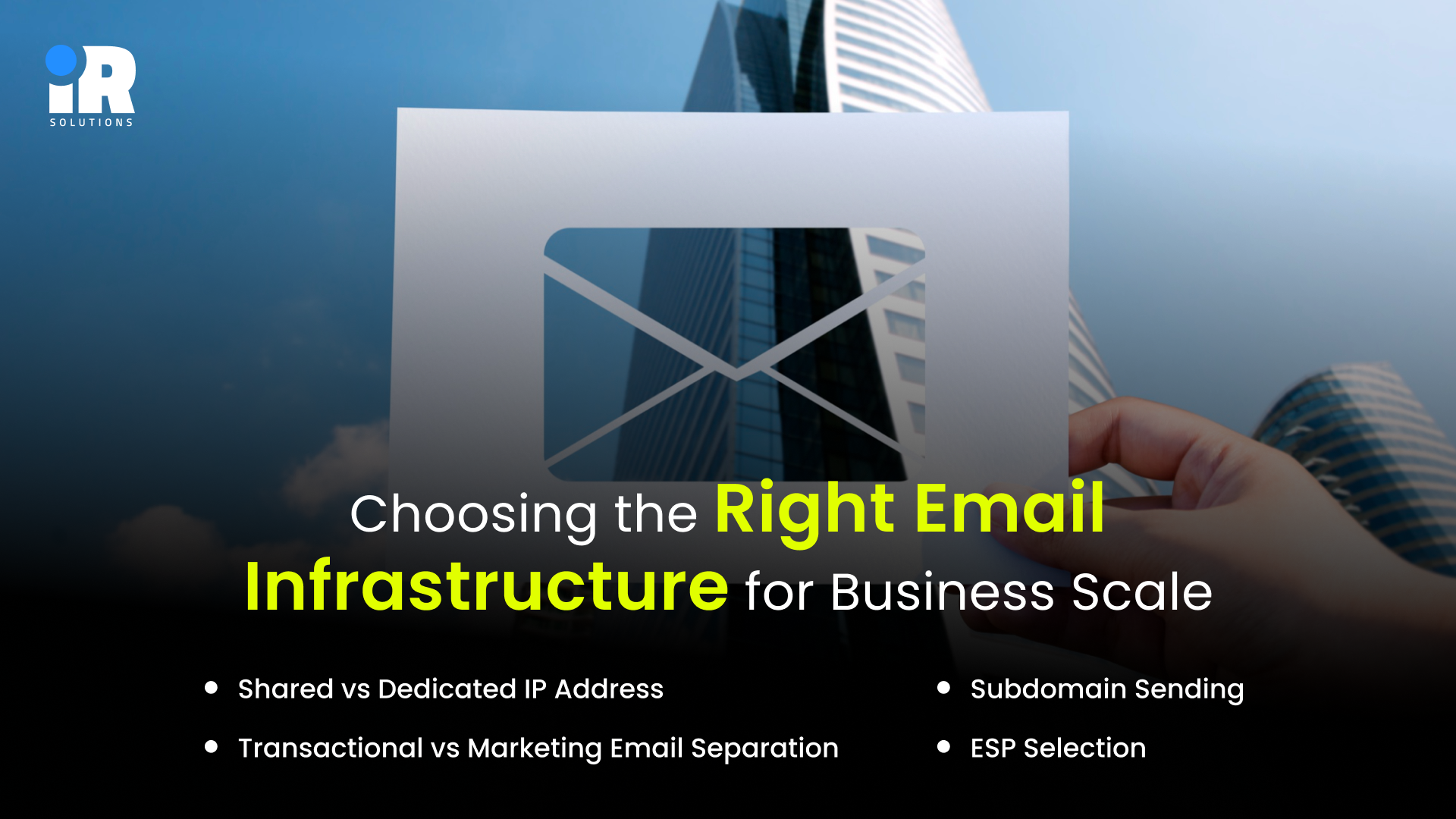
Shared vs Dedicated IP Address
Shared IPs are included in most standard email platform plans, your reputation is influenced by every other sender on the same IP pool. For low-volume senders, this is generally acceptable. Once your business sends more than 50,000 emails per month consistently, a dedicated IP gives you full control over your own reputation and full responsibility for it.
Subdomain Sending
Use a sending subdomain like mail.yourdomain.com or email.yourdomain.com instead of your root domain. This protects your root domain's reputation from deliverability issues arising from your email campaigns.
Transactional vs Marketing Email Separation
Keep these completely separate, different domains, different IPs, different platforms if possible. Transactional emails (password resets, receipts, order confirmations) need to reach the inbox unconditionally. If a deliverability problem on your marketing campaigns brings down your sending reputation, your transactional emails should not be affected.
ESP Selection
Evaluate email platforms not just on features and price, but on their deliverability infrastructure. Look for platforms that offer dedicated IP options, built-in DKIM signing, feedback loop integrations with major ISPs, and responsive deliverability support.
For businesses looking to connect their email infrastructure with their broader digital operations, CRM, website, analytics, and automation, this becomes a technical architecture decision, not just a marketing tool choice.
Deliverability for Cold Email and B2B Outreach
Cold email outreach operates under different constraints than permission-based email marketing. The technical requirements are largely the same, including authentication records, domain reputation, and clean lists, but the strategy and risk profile are different.
For B2B cold outreach, the most important practices are:
- Domain Setup: Use separate sending domains for cold outreach protection.
- Email Verification: Validate every address before sending any campaign.
- Volume Control: Keep outreach low-volume and highly personalized.
- Domain Warmup: Warm sending domains before contacting cold leads.
- Reputation Monitoring: Pause quickly if complaint signals appear.
How Fixing Email Deliverability Drives Business Growth
When emails reliably reach the inbox, the commercial impact is far greater than the effort needed to fix deliverability. Open rates increase, more users see your offers and follow-up sequences, and higher engagement further strengthens sender reputation, improving deliverability in a continuous positive loop.
Email marketing is already one of the highest-ROI digital channels for most businesses, often outperforming paid social and display advertising. However, this return only holds when emails consistently land in the inbox instead of spam or promotions folders.
Even a 25% improvement in inbox placement, for example, moving from 65% to 90%, can significantly increase revenue from the same campaigns without adding new subscribers. This means recovering lost performance by fixing deliverability rather than increasing spend.
Conclusion
Email deliverability problems are rarely obvious until revenue is already being lost quietly. Every fix covered here, from authentication records to list hygiene, compounds over time. Businesses that treat email infrastructure as a one-time setup always pay for that mistake eventually.
The technical side of this work is where most teams get stuck. Getting SPF, DKIM, DMARC, and sending architecture right requires experience, not guesswork. If your business needs a team that handles this properly, the right email marketing partner makes the difference between emails that reach inboxes and campaigns that disappear. Deliverability is an infrastructure problem, and infrastructure needs experts who have solved it before.
Frequently Asked Questions
What is the difference between email delivery rate and inbox placement rate?
Delivery rate confirms the receiving server accepted your email; inbox placement rate confirms it landed in the actual inbox rather than the spam or promotions folder.
How do I know if my emails are going to spam?
Use inbox placement testing tools like GlockApps or Mail-Tester, and monitor your Google Postmaster Tools dashboard for domain reputation signals.
What is the most common cause of poor email deliverability?
Missing or incorrectly configured authentication records, specifically SPF, DKIM, and DMARC, are the leading cause for most business senders.
How long does it take to recover from a poor sender reputation?
Recovery typically takes four to eight weeks of consistent clean sending, though severe blocklist hits can take longer depending on the blocklist involved.
Is it safe to send cold emails from my main business domain?
No, always use a separate sending domain for cold outreach to protect your primary domain's reputation from complaints and bounce signals.
What spam complaint rate is too high for Gmail senders?
Gmail begins penalising senders when the complaint rate exceeds 0.8%, above 0.3% can lead to bulk spam placement across all your emails.
Does email list size affect deliverability?
List size itself does not affect deliverability list quality does. A smaller, highly engaged list consistently outperforms a large, disengaged one.
What is a spam trap, and how do addresses become spam traps?
Spam traps are email addresses maintained by ISPs and anti-spam organisations specifically to identify senders who are not properly managing their lists or who use purchased data.