


There is a certain kind of business owner who keeps saying, "We'll look into AI next quarter," and that quarter never comes. Meanwhile, competitors have already built it into how they write, develop software, and run daily operations. The gap is real and growing. Generative AI tools are not some futuristic experiment. They are inside real companies right now, handling work that used to eat up entire afternoons. This guide walks through what these tools actually do, where they deliver the most value, and how professional AI & ML development services can help your business stop watching from the sidelines.
What Generative AI Actually Does for a Business
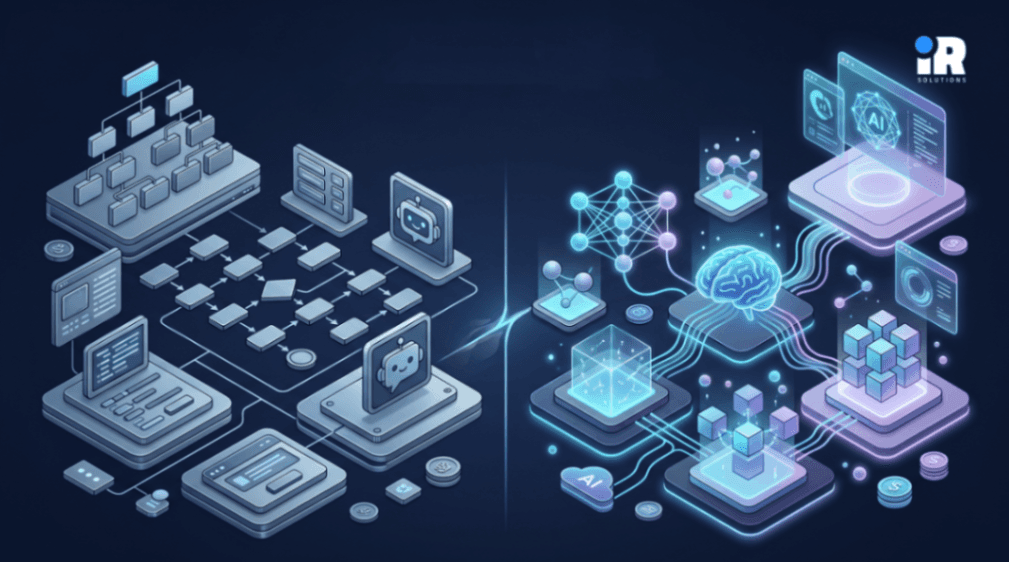
Here is the simplest way to think about it. Older automation tools follow instructions. Generative AI creates output. Give it a prompt, and it produces text, code, images, summaries, or data analysis things that used to require a human sitting down to write or build from scratch.
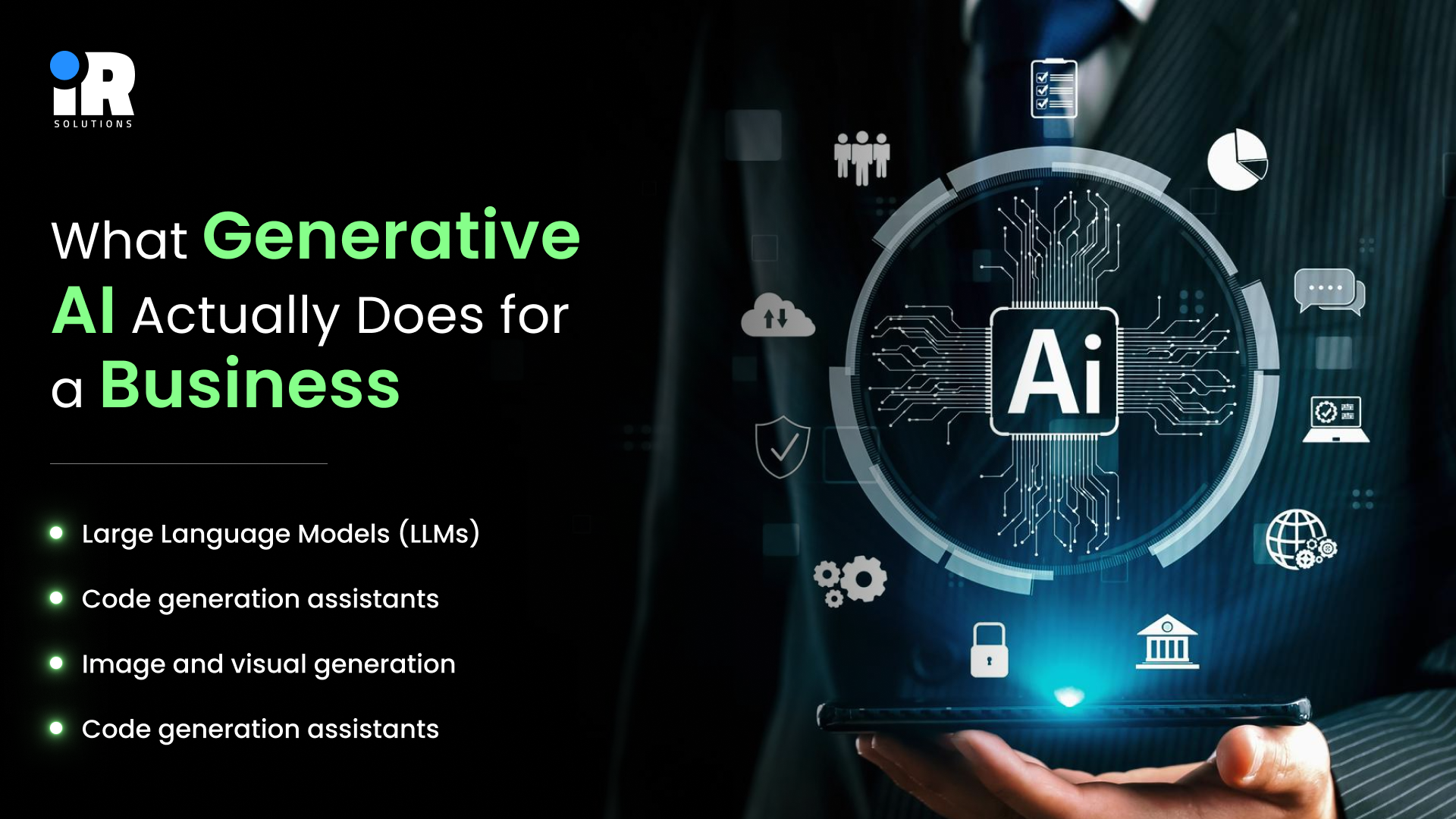
- Large Language Models (LLMs): Tools like GPT-4 and Claude that write, answer questions, summarise reports, and draft documents in seconds.
- Code generation assistants: AI tools that write, review, and debug software code right inside developer editors.
- Image and visual generation: Systems like Midjourney or DALL-E that turn a few lines of text into usable visuals.
- Data intelligence tools: AI that reads through large, messy datasets and returns plain-language insights and recommendations.
None of these works in isolation, the businesses seeing real returns are the ones that figured out which type belongs in which workflow, not just the ones that signed up for a subscription and hoped for the best.
Want to understand where AI is heading next for modern businesses? Explore our blog AI for Business in 2026: Use Cases, Automation, Tools & Implementation Guide.
Using AI to Produce Content That Actually Performs
Content is usually the first place a business tries AI, and that makes sense. The content demands on a growing company are relentless. Blog posts, social captions, email sequences, product descriptions, ad copy, video scripts, the list does not stop growing, but the team size usually does.
Volume Without Abandoning Quality
One writer with the right AI tools can produce what used to take three people working full days. The AI handles first drafts, outlines, and structural formatting. The writer brings the brand voice, the accuracy checks, and the editorial judgment that make content actually useful. They work together rather than one replacing the other.
What this looks like in practice:
- Blog drafts: A brief goes in, a structured draft comes out in minutes, not a perfect piece, but a solid starting point that saves hours.
- Email sequences: Personalised drip campaigns built around actual customer behaviour and segment data rather than generic copy.
- Social media: One source piece gets adapted into platform-specific captions instead of writing each one separately from scratch.
- SEO articles: Keyword-targeted content with proper heading structure, built around what search engines and readers actually want to find.
Reaching Global Markets Faster
- Multilingual output: AI translates content across dozens of languages without needing a separate agency for each market.
- Regional tone adjustment: It goes beyond literal translation the phrasing gets adjusted to match cultural expectations in each region.
- Time to publish: Content that used to take weeks to localise can reach international audiences in hours.
Personalisation That Scales Beyond Manual Limits
This is the one most businesses are not using yet, which means there is still a real competitive advantage available. AI analyses browsing history, purchase patterns, and email interactions, then generates personalised product recommendations, subject lines, and landing page copy for different audience segments. Building that manually used to mean a dedicated team and months of work. With the right AI setup, it runs automatically and improves as the model sees more real data.
How AI Elevates Speed and Quality in Software Delivery
Developer time is expensive, anyone who has managed a software project knows how quickly timelines slip and how much of a developer's day gets eaten by repetitive work that has nothing to do with actually building something new. Generative AI does not replace developers, but it takes a meaningful amount of that drag off their plates.
Cutting Development Time on Repetitive Work
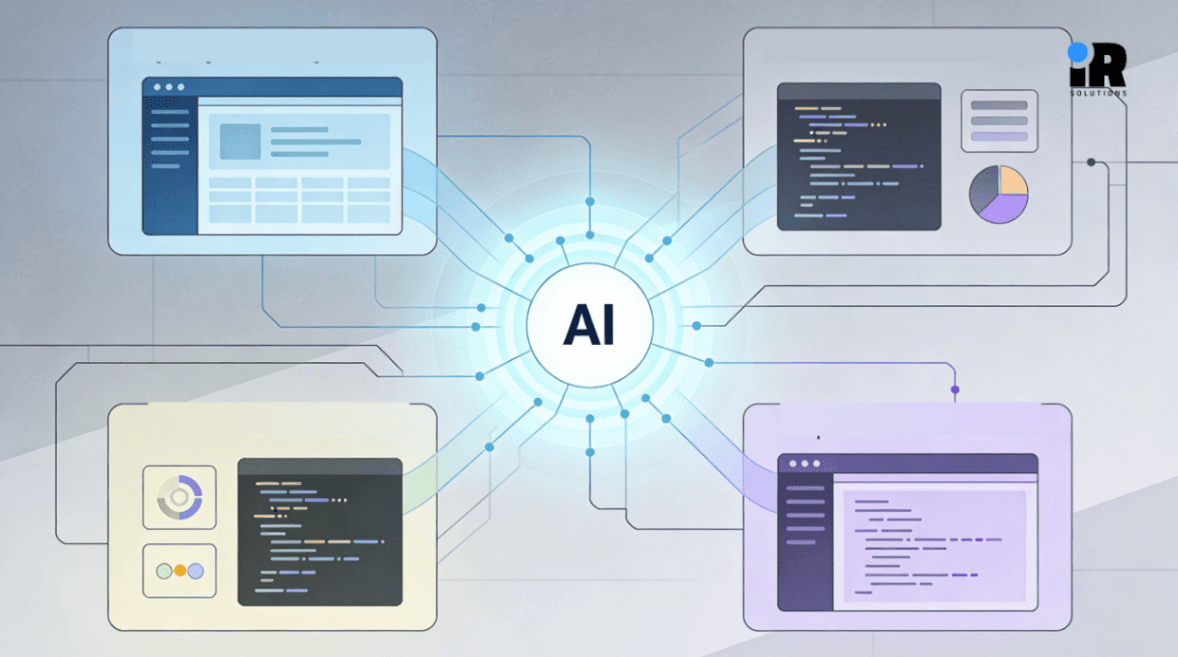
Tools like GitHub Copilot, Cursor, and Amazon CodeWhisperer sit directly inside the editor a developer is already using. They suggest code completions, write full functions from a comment description, and flag potential problems in real time before the code ever reaches a review stage.
What teams actually report after using these tools:
- Faster feature delivery: Less time spent on boilerplate means more time spent on the logic that actually matters.
- Reduced context switching: Inline suggestions mean developers stay in flow rather than jumping between documentation tabs and their editor.
- Stronger junior output: Developers earlier in their career write better code faster because AI fills knowledge gaps without them having to stop and search for answers.
Simplifying complex old systems for better understanding
This is one that many businesses need but rarely talk about. Many companies run on systems where the original developers left years ago, and nobody fully knows what certain functions do or why they were built that way. Touching anything feels risky. AI tools can read through legacy codebases, explain what they do in plain language, map dependencies, and help teams rewrite old code in modern frameworks without the months of expensive senior developer time that process usually requires.
For businesses that need custom AI integrated into existing software, finding an AI development company with real production experience makes the difference between a working system and a costly rebuild.
Using AI to Reduce Operational Costs Without Layoffs
Content and code get most of the headlines when people talk about AI. Operations is where AI quietly makes the biggest financial difference and where a lot of businesses are leaving money on the table.
Handling Customer Queries Without Expanding Support Teams
The AI support tools available today are nothing like the basic FAQ bots people remember from five years ago. Modern systems understand context, manage multi-step conversations, remember what a customer said earlier in the chat, and escalate to a human agent only when the situation actually calls for it. The tier-one queries order status, password resets, return policies, and basic troubleshooting get handled without anyone having to respond manually.
What companies see after implementing this properly:
- Response speed: First response drops from hours to seconds, around the clock, including nights and weekends.
- Cost per resolved ticket: decreases noticeably when routine, repetitive queries no longer require a human agent to close.
- Agent productivity: Support staff is no longer spending their days answering the same five questions. They handle the complicated cases, the escalations, and the customers who actually need a person.
Removing Manual Steps from Internal Workflows
AI is getting embedded into the day-to-day decisions that slow businesses down without anyone really noticing how much time they consume. Real examples running inside companies right now:
- Recruitment screening: Applications get scored against defined criteria before a hiring manager looks at a single CV. The shortlisting still has a human making the final call; it just takes a fraction of the time.
- Sales lead prioritisation: CRM-integrated AI models score inbound leads and suggest the next best action for each rep, so nobody is wasting time chasing cold leads while warm ones sit untouched.
- Inventory management: AI predicts what needs restocking based on seasonal patterns, supplier timelines, and order history rather than someone checking spreadsheets and guessing.
What Happens When Businesses Keep Delaying AI Adoption
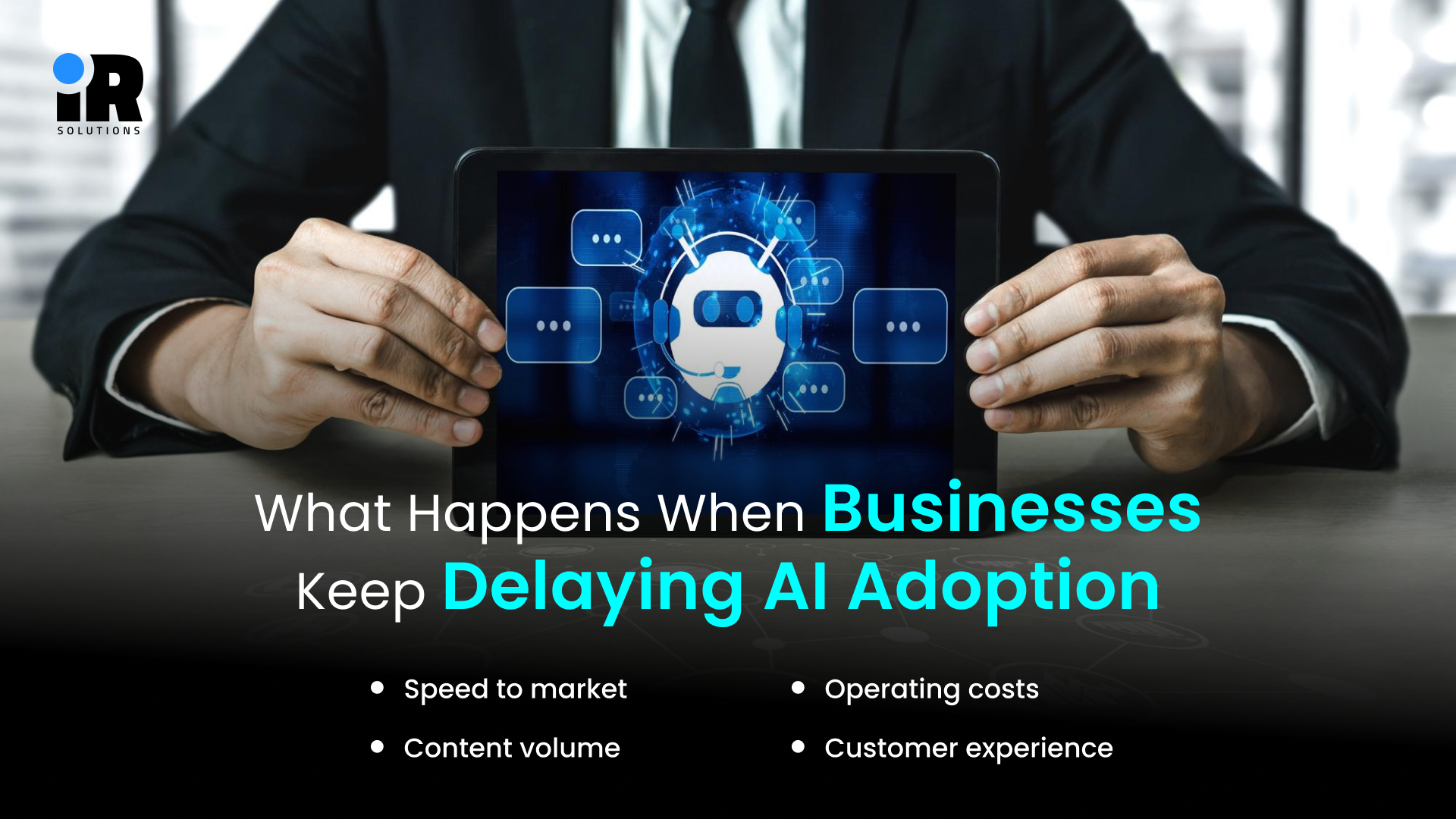
This is worth being straight about, businesses that keep putting AI adoption off are not staying neutral. They are actively falling behind competitors who already have it running inside their marketing, development, and operations workflows.
The gap shows up in ways that are hard to ignore over time:
- Speed to market: Teams with AI baked in ship products and campaigns faster and iterate more often than those without it.
- Content volume: AI-enabled marketing teams produce more customer touchpoints at the same headcount, which means more opportunities to convert.
- Operating costs: Manual processes that could be automated keep the cost-per-output higher than it needs to be.
- Customer experience: Slower response times and generic communication are things customers notice, even if they do not say so directly, and they leave because of it.
Where Businesses Go Wrong With Generative AI
Expecting Output Without Oversight
AI tools produce good output when humans stay actively in the loop. When they do not, things go sideways. Unreviewed AI copy lands on customer-facing pages with the wrong tone. Unreviewed code introduces subtle bugs that pass tests but fail in production. Unreviewed support responses miss context that a human would have caught immediately. The quality of what AI produces depends directly on the quality of instructions going in and the review coming out.
Skipping the Integration Work
Off-the-shelf AI tools are fine for isolated tasks, but businesses that want AI embedded into actual workflows connected to their CRM, feeding their deployment pipeline, or powering their customer portal need proper technical integration. That requires developers who understand both the AI layer and the business process it needs to connect with. Without that, teams end up manually copying outputs between systems, which defeats the purpose.
Sending Sensitive Data to the Wrong Places
This one catches businesses off guard, uploading confidential customer data, financial records, or proprietary information to third-party AI tools without understanding how those tools handle data creates real legal and security exposure. Serious AI deployments should run on infrastructure where data stays inside the company environment, or use vendors with explicit, auditable data handling policies. This matters everywhere, but especially in fintech, healthcare, and legal services.
How to Choose the Right AI Tools for Your Specific Business
Not every business needs the same tools, and chasing whatever is currently trending online is a reliable way to waste money. The right starting point is always the same: figure out where your actual inefficiencies sit, then find what addresses those specifically.
Solve One Real Problem First
Pick the single most time-consuming manual task your team handles every week. Not a broad category, one specific task. Find or build an AI solution that handles that task. Get results you can actually measure. Then expand from there rather than trying to transform everything at once and measuring nothing properly.
Deciding Whether to Build, Buy, or Combine
- Buy off-the-shelf: Tools like ChatGPT, Jasper, or GitHub Copilot deploy quickly and cover general tasks at predictable monthly costs.
- Build custom: Worth doing when your use case is specific, your data is proprietary, or you need deep integration with existing systems.
- Hybrid approach: Fine-tuning a pre-built foundation model on internal company data sits between the two, faster than building from scratch, more relevant than generic off-the-shelf.
If your team is genuinely unsure which direction makes the most sense, schedule a consultation with our team to work through a practical AI adoption plan based on what your business actually needs.
Industries Seeing the Fastest Returns From Generative AI
AI does not deliver the same value everywhere. Some industries are further ahead because the use cases were more obvious earlier and the returns were easier to quantify.
Fintech and Banking
Fraud detection at transaction volume, contract and compliance analysis, personalised financial summaries for customers' financial services, is data-heavy in a way that makes AI unusually high-value. The volume of structured data in banking alone is enormous, and AI thrives on exactly that.
Healthcare and Wellness
Clinical staff spend too much time on documentation rather than on patients. AI drafts clinical notes from recorded consultations, handles medical coding, manages appointment communications, and flags patients overdue for follow-up. Practices using these tools report staff spending more time on actual care.
Ecommerce and Retail
Product descriptions at catalogue scale, personalised recommendation engines, dynamic pricing based on competitor and demand data, AI-powered customer support for returns and order queries, competitive e-commerce operations consider these standards now, not experimental.
Education and E-Learning
AI tutors adapt to individual learning patterns rather than delivering the same explanation to every student. Automated grading returns feedback faster than manual marking, and content tools help instructors build course materials without starting from scratch. Institutions scale libraries without scaling staff proportionally.
For businesses in any of these sectors, working with a development partner who understands both the domain and the technical side of implementation genuinely matters. The industries we work across include fintech, healthcare, retail, education, logistics, and more.
Want to see how AI is reshaping development workflows? Explore AI-Powered Code and How Generative AI Developers Are Transforming Software Development.
Conclusion
The companies moving ahead right now are not always the biggest or the best resourced. They are the ones that stopped treating AI as something to evaluate later and started building it into how they actually work. Generative AI tools are already delivering real, measurable results for businesses of every size in content, in software development, and in operations. None of that requires a massive transformation all at once.
It starts with the right problem, the right approach, and the right support behind the implementation. If you are ready to think seriously about what custom AI development could do for your business, the smartest move is to hire a generative AI developer and have that conversation now rather than next quarter.
Frequently Asked Questions
Is generative AI practical for small businesses or only large enterprises?
Small businesses often see the strongest relative gains because AI lets small teams produce output that previously required much larger departments.
What is the difference between buying an AI tool and building a custom one?
Off-the-shelf tools deploy faster for general tasks custom-built systems are worth the investment when your data, workflow, or integration needs are specific to your business.
How long does it typically take to implement an AI solution in a business?
Off-the-shelf tools can be running in days custom AI integrations built into existing business systems typically take weeks to months, depending on scope.
Do businesses need a development partner to adopt AI?
Not for general-purpose tools, but for custom AI systems integrated into existing software and workflows, a specialist partner reduces cost, time, and technical risk significantly.
What is the most important first step toward AI adoption?
Identifying the single most time-consuming manual task in your current workflow and finding out whether an existing tool or a custom solution can handle it.