


Running a business today means handling customer queries quickly. Slow replies cost sales and frustrate buyers. A custom AI chatbot can help manage repetitive queries and keep your team focused on real problems. Most businesses struggle with choosing the right tools, designing conversations, and keeping the bot accurate. Knowing the right approach ensures your chatbot improves service and saves time without extra stress. But how do you build one that fits your business needs perfectly while staying reliable and easy to manage?
Understand Your Audience to Create a Custom AI Chatbot
Understanding your audience is the first step in building an effective custom AI chatbot. You need to know their problems, preferences, and how they interact with your business. This helps you design a chatbot that truly solves their issues. Using custom AI chatbot development services can make it easier to tailor responses to audience needs.
1. Connect with Customers Directly
Reach out to your current customers and ask about their daily concerns, issues, and what slows their work. Find out what kind of help users want, so their answers can guide the chatbot development plan. When you know your customers well, you can make a successful chatbot that feels useful and friendly.
2. Divide Customers into Groups
Organize your customers based on the type of help they require, whether quick answers or detailed support. Some customers may require assistance with placing orders, while others might need support for issues or product questions. Creating these groups allows you to plan your chatbot tasks effectively and deliver more focused and useful assistance.
3. Observe Customer Behavior
Watch how your customers use your existing chatbot or manual queries on website to observe where they get stuck. Use these insights to make your chatbot smart and responsive to real actions.
4. Collect Feedback and Adjust
Feedback helps you improve the chatbot over time. Take users’ feedback after they use your chatbot. What worked well, and what was confusing? By applying this practice, regular adjustments keep your chatbot relevant and helpful.
Steps to Build Your Custom AI Chatbot
Starting a chatbot project requires clear planning to meet your business goals and customer needs.
1. Planning Your Chatbot the Easy Way
Proper planning ensures your chatbot becomes a valuable tool for your business by solving real problems efficiently.
- List the main tasks your chatbot should handle for your customers clearly.
- Identify the top questions your customers usually ask when visiting your website.
- Decide the tone your chatbot will use to communicate naturally and friendly.
- Choose the exact pages where the chatbot will appear for better user engagement.
2. Choosing the Right AI Platform
Select an AI platform that suits your business and level of expertise. Some platforms are easier for beginners, while others allow more customization. Check the platform’s integration options with your website and other tools. Make sure it can handle the volume of customer interactions you expect.
3. Designing Conversations That Feel Natural
When you create your chatbot, try to make it speak in a warm and natural way. Each reply should guide users clearly while keeping the tone friendly and easy to follow. Think about how the conversation starts and ends so people always feel personalized and understood. Use simple language and short sentences that help customers interact smoothly without any confusion or stress.
4. Integrating Your Chatbot with Business Tools
Integration allows automation of repetitive tasks and saves time. Connect your chatbot with your email, CRM, or support system for better results. This helps track customer interactions and follow up efficiently. Make sure data from the chatbot flows to the right team members who can respond quickly and handle customer needs.
5. Test Your Chatbot Before Launch
The testing will help you spot errors before customers use the chatbot. You must make sure the responses make sense and that the chatbot moves to the right next step each time. Test it on both mobile and desktop to see how it behaves in different settings. It also helps team members try it before launch and share feedback. These actions are useful even if you hire custom AI chatbot development services for your project.
How to Enhance Your Chatbot for a Better Customer Experience
The right features let your custom AI chatbot give quick and useful answers. Think about what your customers need most and the tasks your chatbot should handle. You can also get consultation from a chatbot development agency to pick the best options for your business.
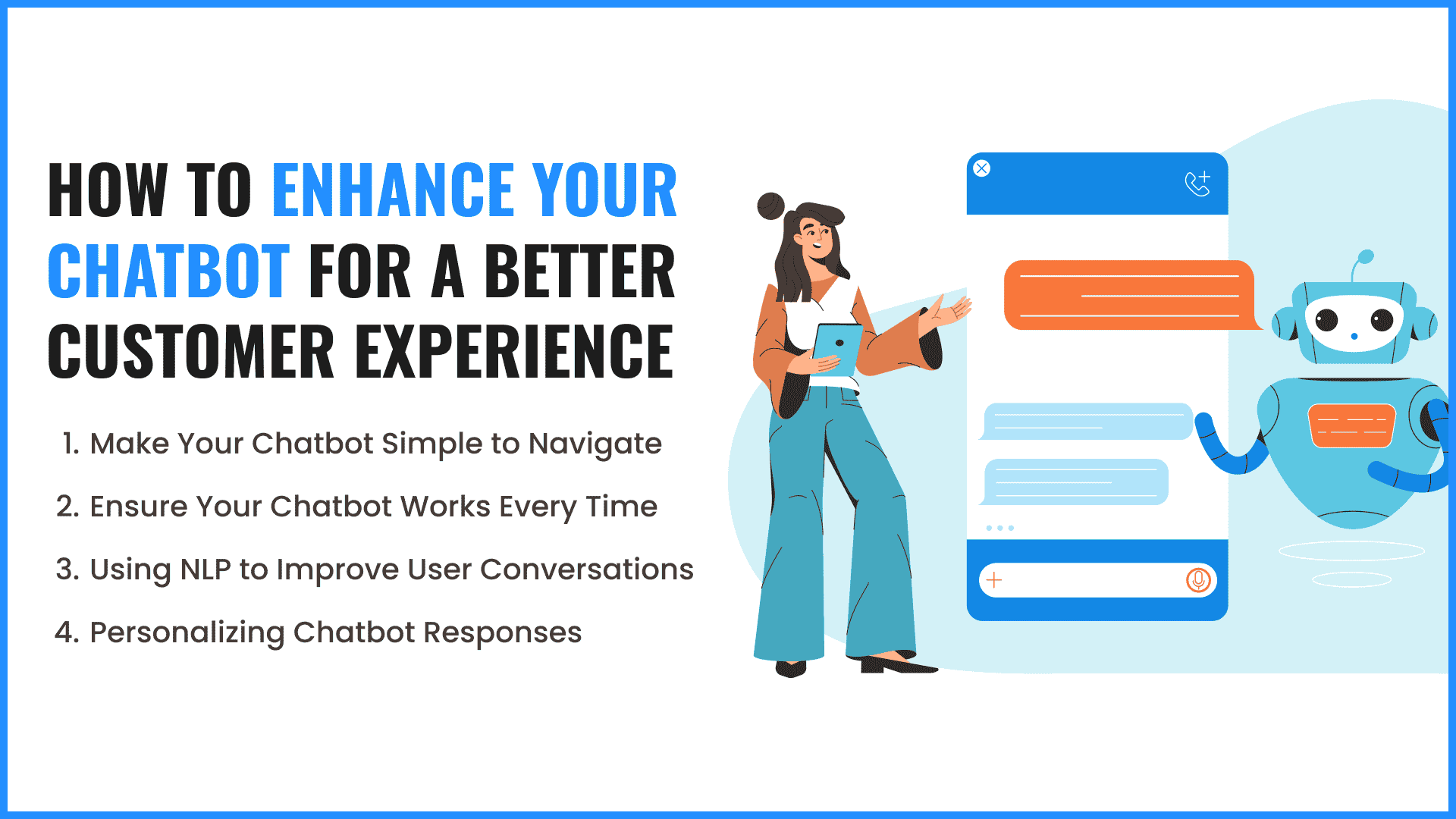
1. Make Your Chatbot Simple to Navigate
Your chatbot should be easy to use for everyone. A clear interface helps users find answers fast without feeling confused. Buttons and menus should be easy to understand and visible on every screen. Avoid cluttered designs or too many colors, which can distract users during conversations.
2. Ensure Your Chatbot Works Every Time
A chatbot must be ready to help users at any time. Consistent availability builds customer trust and prevents frustration also check your hosting provider keeps your system running all time. A reliable chatbot keeps users engaged and ensures no customer question goes unanswered.
3. Using NLP to Improve User Conversations
Natural Language Processing allows chatbots to understand what users type or say. This makes interactions feel natural instead of robotic. The chatbot can interpret different ways of asking the same question and respond correctly. This feature ensures your customers get helpful answers quickly.
4. Personalizing Chatbot Responses
A custom chatbot should feel like it knows your users. Personalizing responses by using names or remembering previous interactions makes conversations warmer. Personalized interactions increase customer satisfaction and encourage repeat engagement.
Choosing Between a No-Code Solution and a Coded Solution
No code tools let you build a chatbot through simple visual steps. You do not write any programming code. These tools work well for beginners and allow quick setup. Coded solutions offer full control over features and behavior. They need programming knowledge, but allow bigger changes.
1. Review Your Current Resources
Check your skills, team strength, and available time. No code tools suit small teams without technical experience. Coded methods help businesses with developers who can manage advanced tasks.
2. Learn what your users are looking for
Know the problem your chatbot will solve and who will use it. Simple chat needs often work with no-code platforms. Complex tasks or personal user experiences usually need coded methods. Clear user insights improve your chatbot results.
3. Check If the Plan Is Practical.
Think about your budget and plans. No-code tools usually cost less but give fewer options. Coded chatbots need more money and time but offer strong growth in the future. A practical plan makes sure your chatbot stays useful for a long time.
4. Build with Custom Code When Needed
Custom code gives you full freedom to shape the chatbot. You can connect the chatbot with other software and create advanced conversations. This option suits businesses that need features that no-code platforms cannot provide.
5. Compare Long Term Control
Think about how much control you want later. No code tools offer fast setup, but limit future changes. Coded chatbots take longer to build but support deep updates as your needs grow. Choosing the right level of control helps your chatbot stay valuable as your business changes.
Conclusion
Building a custom AI chatbot for your business can improve customer support and save time for your team. Custom chatbot development allows you to create tool tailored to your specific business needs. At IR Solutions, we help businesses hire chatbot developers to integrate AI with human support. With the right tools and guidance, your chatbot can enhance customer experience and increase efficiency. Keep things simple at the early stage, run frequent tests, and refine the chatbot as your needs increase.
Frequent Asked Questions
How much does it cost to build a custom AI chatbot?
The cost of a chatbot depends on features. Basic chatbots are often free, while advanced AI chatbots may need subscriptions or developer help.
What kind of tasks can a business chatbot handle?
It can answer questions, take orders, schedule meetings, provide support, and even send notifications to customers automatically.
Is a chatbot better than a human agent?
Chatbots are faster for routine questions, but humans are still better for complex problems. A combination works best for businesses.