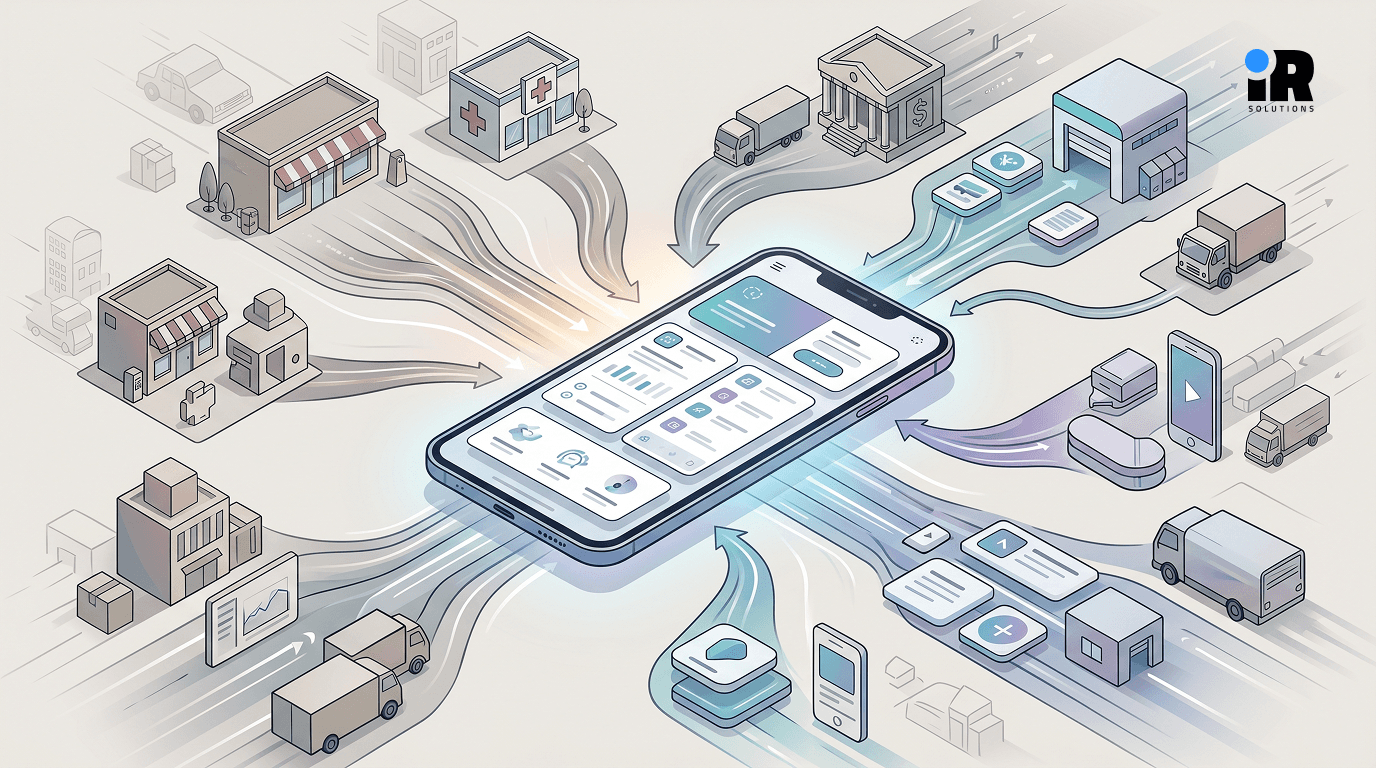


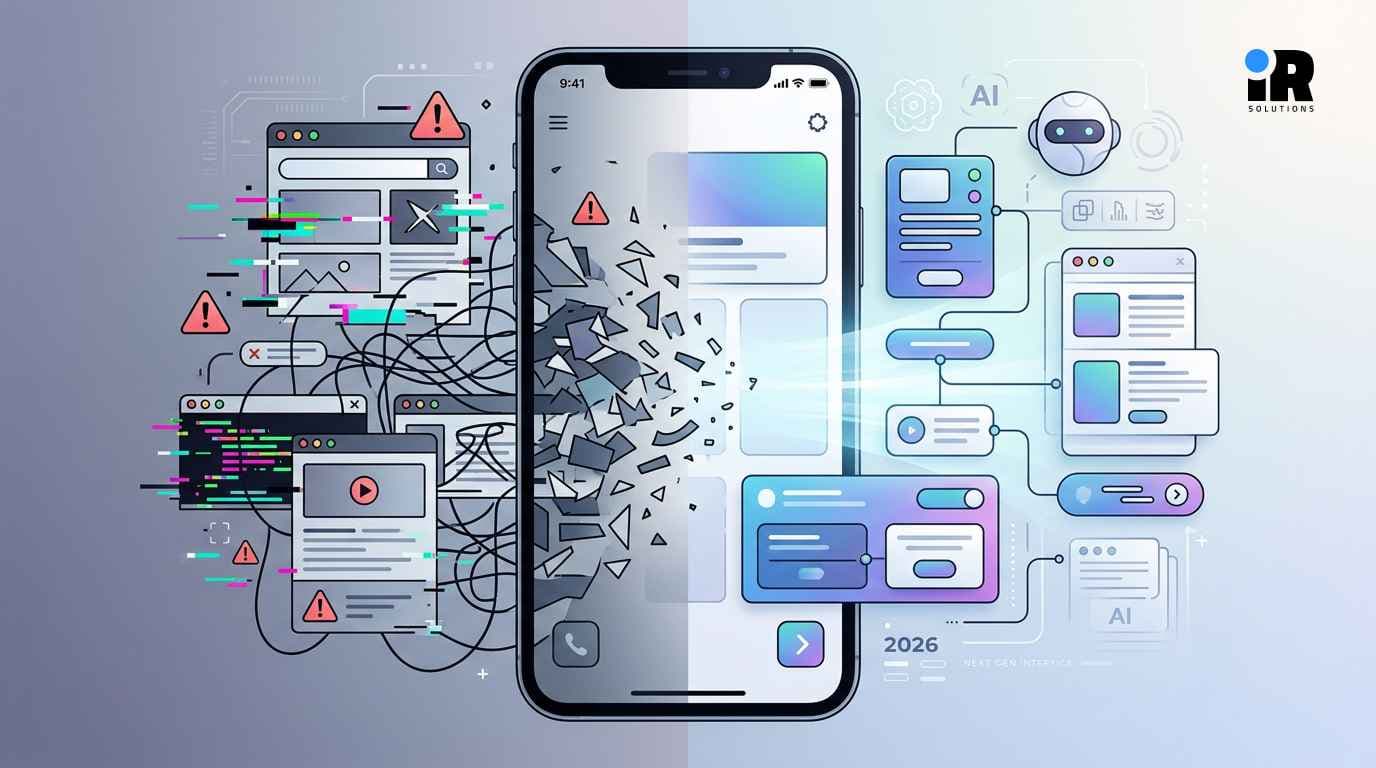

There are now over 5.78 billion smartphone users worldwide, and people spend an average of 70 hours per month inside mobile apps. For any business thinking about building one, those numbers look like an open invitation, the demand is clearly there.
What those numbers do not show is how crowded the other side of that equation has become. App stores now hold millions of listings. Most apps are downloaded once and deleted within days. The gap between an app that gets built and an app that actually works for a business, attracting users, retaining them, and generating real revenue, is wider than most business owners expect before they start.
The reason is not usually bad intentions or poor effort. It is that mobile app development in 2026 involves a set of overlapping challenges that catch businesses off guard when they are not anticipated from the beginning. At IR Solutions, an enterprise mobile app development company, works with businesses across industries to navigate these challenges before they turn into expensive problems. This guide covers the eight most significant ones and what handling them correctly looks like in practice
1. Choosing Between Native and Cross-Platform Development
Before a single line of code is written, the business has to make a foundational decision, build natively for each platform or use a cross-platform framework that runs on both iOS and Android from a shared codebase.
Neither option is universally right, the choice depends on what the app needs to do, the budget available, and the timeline for getting it to market.
Native development: Using Swift for iOS and Kotlin for Android produces the highest performance. It gives developers direct access to platform-specific features, camera hardware, biometrics, and push notification systems without the limitations of an abstraction layer. For apps that demand real-time processing, advanced graphics, or tight integration with device hardware (such as gaming apps, AR experiences, or healthcare monitoring tools), native is usually the better foundation.
The tradeoff is cost and time, building two separate codebases means more developers, more testing, and more maintenance, changes have to be made twice.
Cross-platform frameworks: such as Flutter and React Native, solve that problem by allowing a single codebase to deploy on both platforms. This cuts development time significantly and reduces ongoing maintenance overhead. For most business apps, retail platforms, booking systems, service apps, and customer portals, cross-platform performance is more than sufficient.
The mistake businesses make is choosing based on trend rather than need.
2. Building for Device Fragmentation
Once the platform decision is made, the next challenge is that "Android" or "iOS" is not one environment, it is thousands of them.
Android alone runs across devices with dramatically different screen sizes, processor speeds, RAM configurations, and OS versions. A feature that performs well on a Samsung Galaxy flagship may behave differently on a mid-range handset running a two-year-old Android version. The same interface that looks clean on a 6.7-inch display can break entirely on a 5-inch screen.
iOS is more controlled but not without variation. Different iPhone models have different screen ratios, notch configurations, and supported features. Apple's annual iOS updates regularly change permission frameworks, API behaviour, and performance characteristics in ways that require developers to test and adjust.
For businesses, this translates directly into risk, an app that works beautifully on the devices the development team tested on can frustrate real users on hardware that those tests did not cover.The practical answer is a testing strategy built around device diversity from the start, not bolted on at the end of development. IR Solutions uses cloud-based device testing platforms alongside automated testing tools to run apps across representative device sets throughout the development process.
3. How Can Mobile Apps Reduce User Drop-Off and Improve Retention?
Most businesses underestimate how little patience mobile users have, if the app takes more than a few seconds to load, a significant percentage of users will leave before they see the first screen. If the navigation requires more mental effort than expected, users will delete the app rather than learn it. User experience in mobile apps is not about making things look attractive. It is about making things work without friction, which requires understanding how your specific users actually behave on their devices.
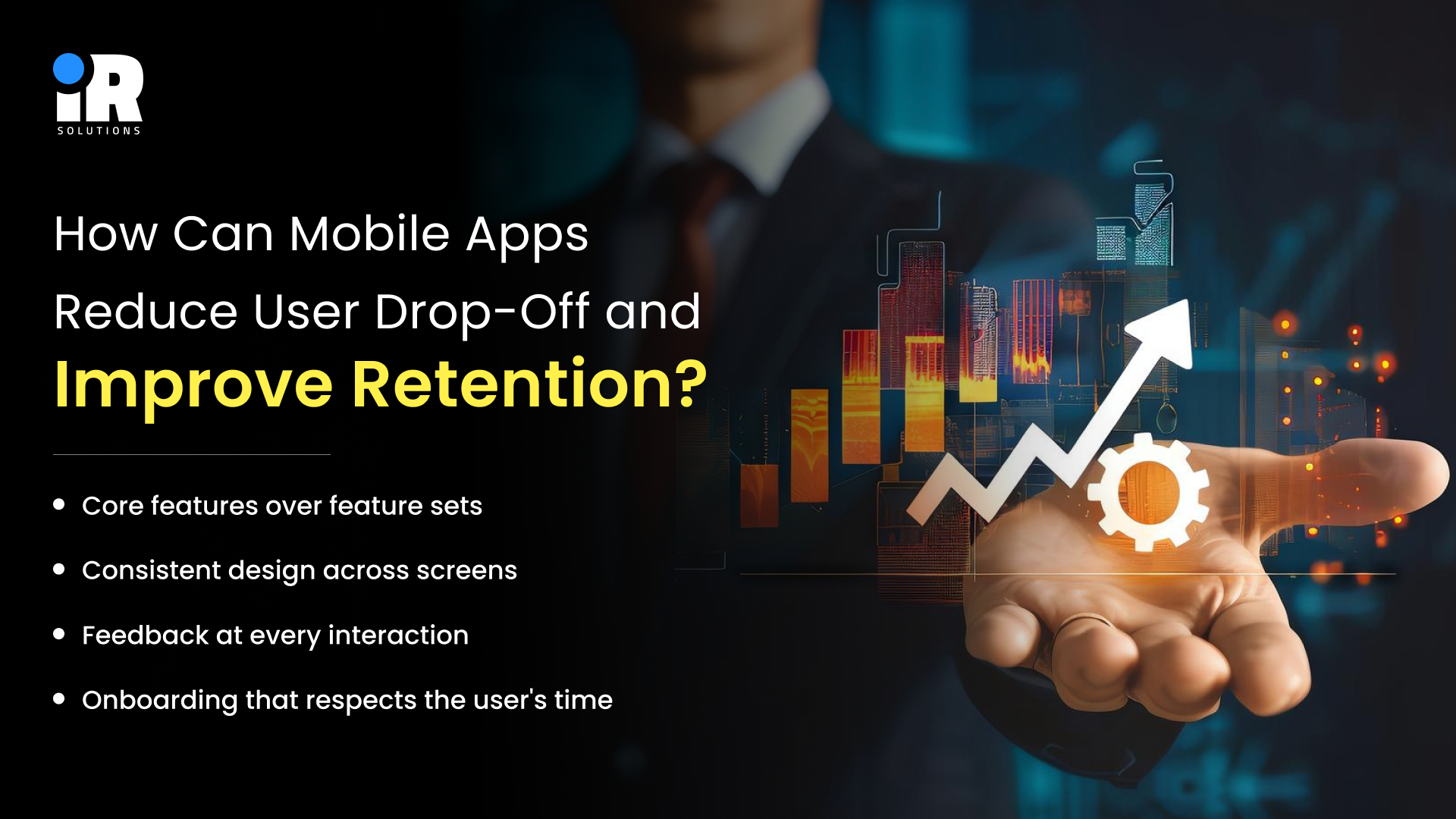
A few principles that determine whether a mobile app retains users or loses them:
- Core features over feature sets: Apps that try to do everything at launch overwhelm users. Starting with a tightly focused set of core features and expanding based on real usage data produces far better retention than launching a comprehensive but confusing product.
- Consistent design across screens: When different screens within the same app feel like they were designed by different people, users lose confidence in the product. Design systems and component libraries enforce visual consistency across every interaction.
- Feedback at every interaction: Users should never wonder whether something worked, buttons should respond visually, and loading states should be visible. Confirmations should be clear, silence creates anxiety in digital interfaces.
- Onboarding that respects the user's time: First-time users should reach the value of the app as quickly as possible. Long onboarding flows, excessive permission requests upfront, and mandatory account creation before showing anything are among the fastest ways to lose users on day one.
IR Solutions' mobile app development process begins with UX wireframes and prototype testing before development starts, so the interaction design is validated by real users before it is built.
4. Performance Under Real Conditions
Performance problems that surface post-launch, such as slow loading, UI lag, battery drain, and crashes under load, are significantly more expensive to fix than performance problems caught during development. They also produce negative reviews that are difficult to recover from in competitive app store categories.
The specific performance challenges that consistently catch businesses off guard include:
- Image and media assets: Those that were not compressed or optimised, adding seconds to load times on slower connections
- Background processes: Location tracking, sync operations, push notification handling that run more aggressively than needed and drain battery faster than users will tolerate.
- Network calls: These block the UI while waiting for responses, making the app feel frozen rather than loading.
- Memory leaks: These accumulate over a session until the app slows down or crashes.
Addressing these requires performance profiling as a standard part of the development process. Our mobile development team uses tools like Android Studio's Battery Profiler and Xcode's Energy Diagnostics to identify and resolve these issues before they reach real users.
For a broader look at how AI-powered tools are helping businesses improve efficiency across their digital products, our blog on Which top 5 AI automation tools help businesses increase efficiency? is a useful starting point.
5. Security and User Data Protection
Mobile apps collect information, sometimes that is transaction data, sometimes it is location, health metrics, personal preferences, or financial records. In every case, the business is responsible for protecting it, and the regulatory standards for what that protection must look like have become significantly stricter across the US, EU, UAE, and most other major markets.
An app that handles user data without a proper security architecture is a liability in two directions. It exposes users to real harm if their data is compromised, and it exposes the business to regulatory consequences, reputational damage, and potential legal action that dwarf the cost of getting the security right in the first place.
The security requirements that every business app must address:
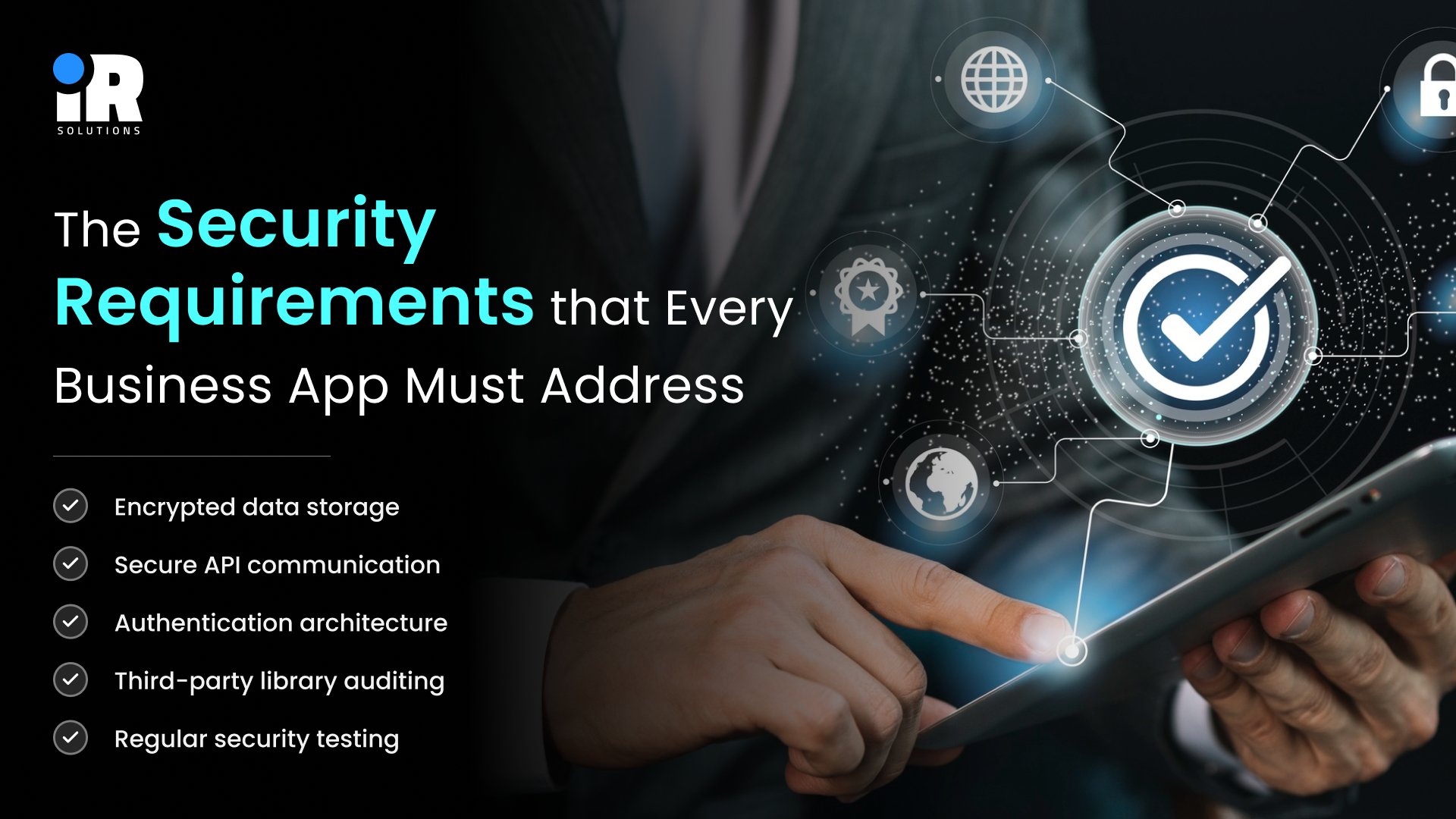
- Encrypted data storage: Sensitive data stored on the device must be encrypted so that physical access to the device does not mean access to the data
- Secure API communication: All data transmitted between the app and backend servers must travel over encrypted connections with proper certificate validation
- Authentication architecture: Weak login systems are among the most common attack vectors. Modern apps should implement multi-factor authentication for sensitive operations
- Third-party library auditing: Apps routinely incorporate third-party SDKs for analytics, payments, and other functions, each of which introduces code the business did not write and needs to have assessed for vulnerabilities
- Regular security testing: Security is not assessed once at launch, it needs to be reviewed after every significant update and periodically in between
For businesses in regulated industries, such as healthcare, finance, and legal services, there are additional compliance requirements layered on top. Our team at IR Solutions works with clients to build a security architecture that meets both the technical requirements and the regulatory standards relevant to their market. You can learn more about our broader IT development capabilities and how security fits into every engagement.
6. Integrating AI Without Breaking the App
AI is no longer a premium feature reserved for large technology companies. Users now expect personalisation, intelligent search, behavioural recommendations, and automated assistance in apps across every category. A retail app that does not personalise product recommendations, a service app that cannot answer common questions automatically, or a fitness app that does not adapt to individual user patterns, all of these feel behind relative to what users have come to expect.
The challenge is integration, running large AI models directly inside a mobile app creates real problems. Model files are large, installation becomes slow, and device-side processing can degrade performance on anything below a flagship handset.
The practical approach is running AI on cloud infrastructure and serving results to the app through lightweight API calls. The app stays fast, and the AI computation happens server-side, where it can scale. Models can be updated centrally without requiring users to download an app update.
For businesses building AI-powered features into their mobile app, IR Solutions offers both AI and ML development and mobile app development as integrated capabilities. That means the AI architecture and the app architecture are designed together rather than handed off between separate teams.
If you want to integrate AI into your app the right way, schedule a call with IR Solutions and let’s build it smart, fast, and scalable from day one.
7. App Store Visibility and Discoverability
Building an excellent app is necessary but not sufficient. If the right users cannot find it, the app does not grow. App Store Optimisation (ASO) is to mobile apps what SEO is to websites the discipline of making your app visible when the people who need it are looking. And like SEO, it requires ongoing effort rather than a one-time setup.
The variables that determine visibility in the App Store and Google Play include:
- Title and keyword fields: The words you use here determine which search queries your app appears for this requires research, not guesswork
- Screenshots and preview video: These are the primary conversion tools on your app store listing, where users decide whether to download based on what they see here before they read a word of description
- Ratings and review volume: Higher ratings and more reviews signal quality to the platform algorithm and to users, actively managing the review experience matters
- Update frequency: Platforms favour apps that are actively maintained; regular updates signal that the app is supported and improving
Beyond ASO, discoverability requires that the app is genuinely good enough that existing users recommend it. Word of mouth and organic referral remain among the most efficient growth mechanisms for mobile apps, which means investing in user experience is also an investment in acquisition.
8. Post-Launch Costs and Ongoing Maintenance
The most common misconception businesses bring to mobile app development is that it has a finish line, it does not.
Operating system updates from Apple and Google arrive regularly, each one can alter API behaviour, change permission frameworks, or deprecate features the app currently depends on. An app that is not actively maintained quickly becomes one that crashes on the latest iOS version, gets flagged with compatibility warnings in the App Store, and generates a stream of one-star reviews from users on updated devices.
Beyond OS compatibility, post-launch maintenance includes:
- Bug fixes surfaced by real-world usage patterns that testing did not anticipate
- Server and infrastructure costs that scale with the number of active users
- Security patches as new vulnerabilities are identified in dependencies and libraries
- Feature development based on user feedback and evolving business requirements
- Performance monitoring to catch degradation before it reaches users at scale
Businesses that do not budget for post-launch operations consistently find that their actual total cost significantly exceeds what they planned. The honest way to approach mobile app investment is to treat it as a product that requires ongoing resourcing, not a project with a delivery date and a final invoice.
IR Solutions provides post-launch support and maintenance as a standard part of our mobile app development engagements. We also offer flexible options to hire dedicated mobile developers for businesses that want ongoing development capacity without building a full-time in-house team.
How IR Solutions Helps Businesses Navigate These Challenges
If you are planning a mobile app and want an honest assessment of what it will take to build it correctly, contact our team. We will walk through your specific requirements, flag the challenges most relevant to your use case, and give you a realistic picture of what quality development looks like.
Conclusion
The mobile app market in 2026 is large, competitive, and unforgiving of apps that were built without thinking through the challenges ahead of time. Platform fragmentation, performance demands, security requirements, AI integration, and post-launch maintenance are unsolvable problems. They are predictable ones that experienced development teams handle as a matter of course.The difference between a mobile app that works for a business and one that drains budget without return is rarely talent. It is usually planning, knowing what the challenges are before you start, and working with a team that has solved them before.
Frequently Asked Questions
How much does it cost to build a mobile app in 2026?
Costs range broadly, depending on complexity, a basic app typically starts around $15,000 to $50,000, while feature-rich enterprise applications can exceed $200,000.
How long does mobile app development take?
A straightforward app with a clear scope takes three to five months, complex apps with custom backend systems, AI features, or multi-platform requirements typically take six to twelve months.
Should my business build a native app or a cross-platform app?
Cross-platform frameworks like Flutter and React Native suit most business apps well, native development makes sense when the app demands hardware-intensive features like advanced graphics or AR.
What is App Store Optimisation, and does my business need it?
ASO is the process of improving your app's visibility in store search results through keywords, screenshots, and review management, and yes, it matters from the day your app goes live.
How do we add AI features to a mobile app without slowing it down?
AI models run on cloud servers and return results to the app through API calls, keeping the app lightweight while delivering intelligent features like recommendations and automation.
What happens to our app when Apple or Google releases a new OS update?
Without active maintenance, OS updates can break existing features, ongoing monitoring and timely updates are essential to keep the app functional on all current devices.
Can IR Solutions take over an app that was built by another team?
Yes, we regularly audit and take on maintenance of existing apps, identifying technical debt, security gaps, and performance issues before continuing development.
Do you provide support after the app is launched?
Yes, post-launch support and maintenance are a standard part of our mobile app development service, covering monitoring, updates, bug fixes, and ongoing feature development.