


Email automation fixes this by delivering personalized messages to the right audience at the right moment without any manual effort. From welcome sequences and abandoned cart reminders to lead nurturing campaigns, automated workflows keep communication running smoothly while saving hours of repetitive work. For growing businesses, setting up effective email automation workflows is one of the most important steps toward building a scalable and reliable digital marketing system that supports long-term growth.
Why Businesses Need Email Automation to Scale
A lot of marketing teams treat email automation like something they will get around to eventually. That delay costs more than most people realise, and the damage builds up quietly over months. Running manual email processes creates serious gaps that hurt your revenue and your brand reputation consistently.
Inconsistency is a real problem, one sales rep follows up three times while another does it once. Timing suffers too, since a lead downloading your pricing guide at night hears nothing until Tuesday. Your team burns hours on repetitive sends instead of spending time on strategy and real content. Leads that go quiet within a few hours of showing interest will simply choose someone else instead.
Email automation removes all of that delay by firing the workflow the moment someone takes action. Whether your team is in a meeting, asleep, or on holiday, the sequence keeps moving without anyone watching the clock.
Learn how to improve automation, flows, and ROI in Klaviyo Email Marketing Strategy 2026: Complete Guide to Automation, Flows, Open Rates & ROI.
Understanding How Email Automation Actually Works
Before picking a platform, it helps to understand the three core things that make every automation run properly.
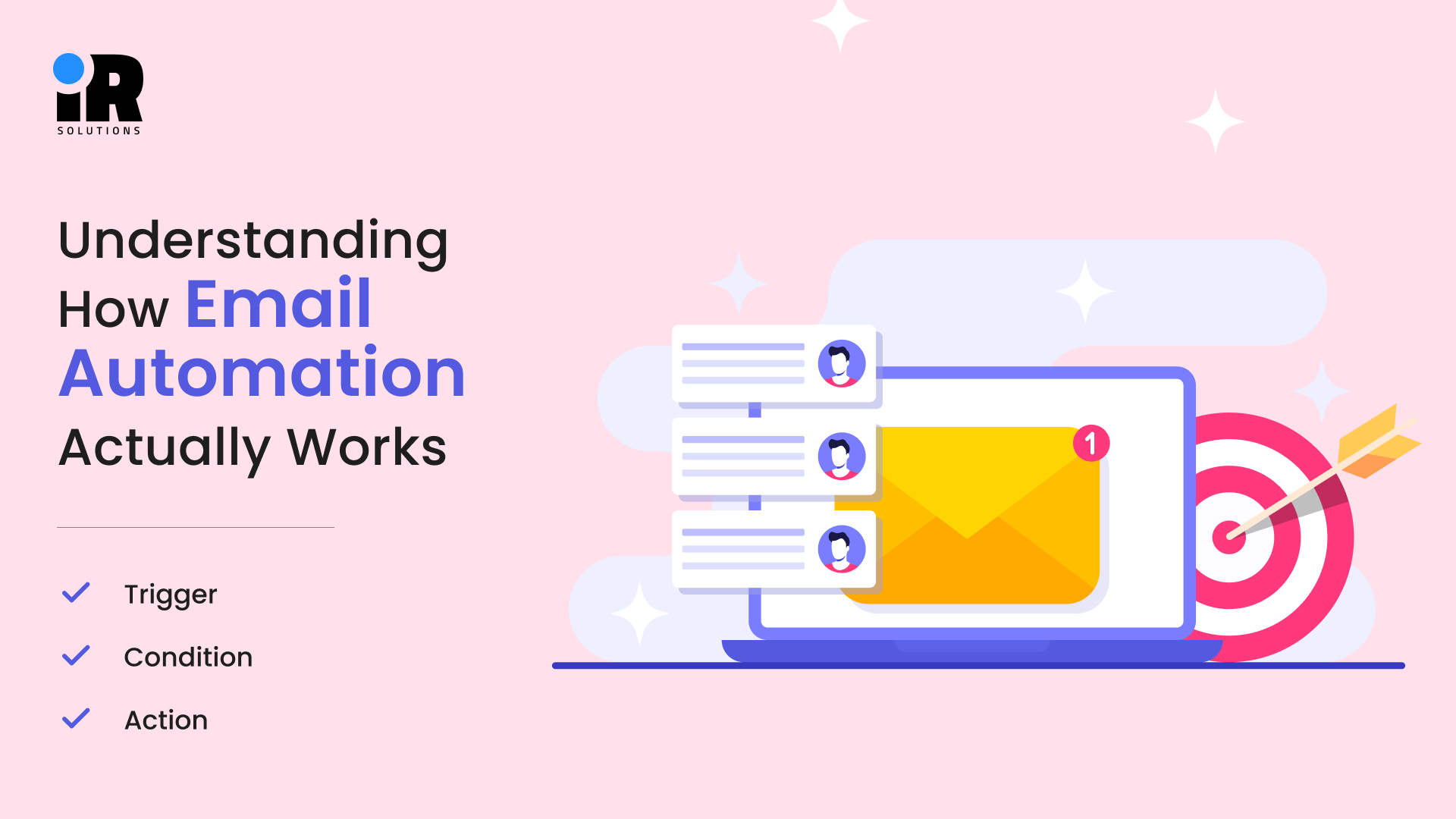
- Trigger: This is the event that starts everything moving. Someone fills out a form, clicks a link, makes a purchase, or hits a specific date you set. That action fires the very first email in your sequence automatically.
- Condition: This is the logic that decides what happens after the trigger fires. If someone opens the email, they go down path A, if not, they go down path B. Conditions make automation feel personal rather than robotic and generic.
- Action: This is what actually happens as a result of the condition being met. An email is sent, a tag gets added, a deal moves in your CRM, or a team member gets a notification sent. Actions are where the real work gets done without any human involvement.
When these three elements work together in sequence, you have a proper workflow running. One trigger can branch into dozens of different paths depending on how contacts actually behave.
Building Your First Workflow - The Practical Steps
Having a clear workflow is important, but execution is where most automation efforts fail. The goal is to keep things simple, structured, and test-driven so you can launch something functional first and refine it over time instead of getting stuck in planning or overbuilding.
- Having the plan is one thing, but actually building it is where most teams stall out completely, so start with just one workflow instead of multiple.
- Pick the single workflow with the highest immediate value, such as abandoned cart for e-commerce or a welcome/demo follow-up for service businesses.
- Map the entire workflow before using any tool, defining triggers, conditions, and outcomes clearly on paper.
- Visualize the flow step by step in advance to avoid confusion and reduce rework once you start building it inside the platform.
- Write all emails in plain text first with short subject lines and one clear action per email to keep messaging focused.
- Build, test, and review the workflow end-to-end before launch, and only judge performance after at least 200 sends.
The Mistakes That Kill Automation Results
Too many emails sent too close together make your sequence feel like harassment rather than helpful marketing. More than 60 percent of emails are opened on mobile, so never skip testing your emails on a phone before sending. Write subject lines first, not last, if the email never gets opened, nothing else inside it matters at all.
Sending the same nurture sequence to a brand-new subscriber and a contact who has been on your list for a year creates a relevance problem. Contacts who have not opened anything in over a year hurt your deliverability scores, so regular list hygiene is non-negotiable maintenance.
Every experienced email marketer has a story about a broken link that went out to thousands of people every single time. If your team is already stretched and cannot manage this properly, it might be time to hire a dedicated email marketing expert who handles this full-time without pulling your team away from core work.
Connecting Email Automation to the Rest of Your Tech Stack
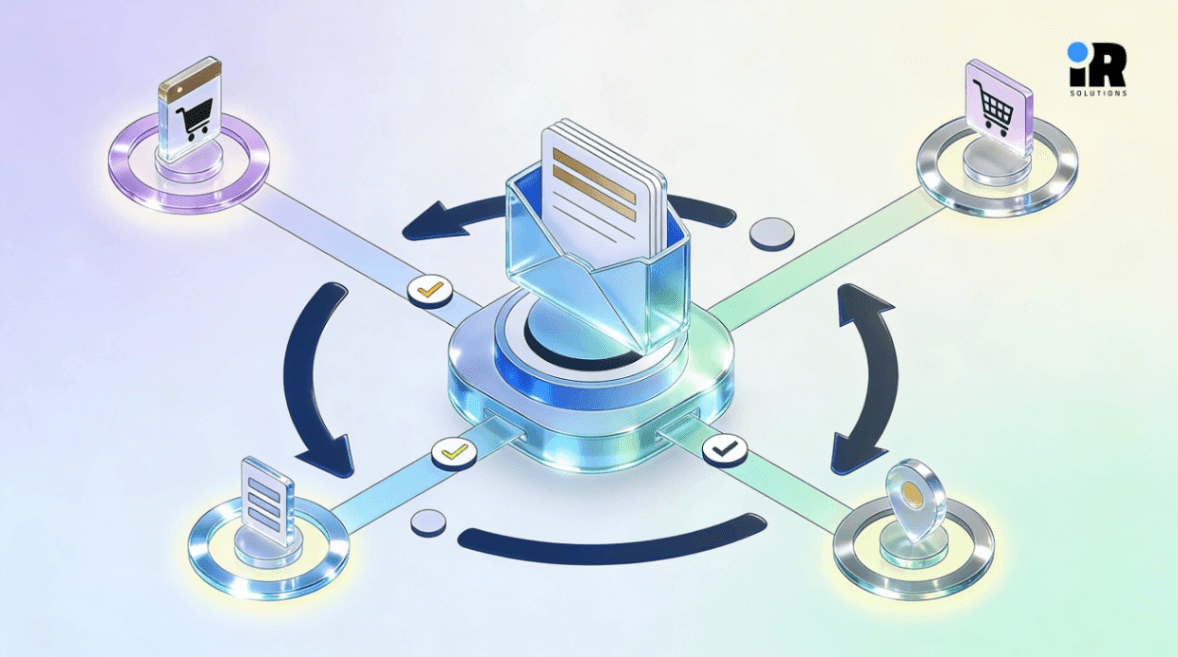
Email automation works much harder when it is connected to the other systems your business uses every day. When email engagement data flows into your CRM, your sales team knows which leads are warm before they even pick up the phone. A contact who opened three emails and clicked through to the pricing page is a completely different conversation than one who ignored everything. That data changes how salespeople prioritise their day and who they reach out to first thing in the morning.
Connect your automation platform to Google Analytics so you can track which workflows generate actual revenue, not just open rates. Every lead capture touchpoint, landing pages, pop-up forms, and gated downloads should connect directly to the right trigger without any manual imports or delays. Most major automation platforms also sync audience data to Meta and Google ad accounts, which reduces wasted ad spend significantly over time. Pairing your email automation with a strong PPC specialist means your paid and owned channels work together instead of operating in disconnected systems.
Book a free strategy call to get clarity on your business goals and the best way to achieve them.
The Best Email Automation Tools in 2026 and Who They Are Actually For
There is no single best tool for every situation or business type. The right choice depends on your business model, team size, and the technical complexity of your needs.
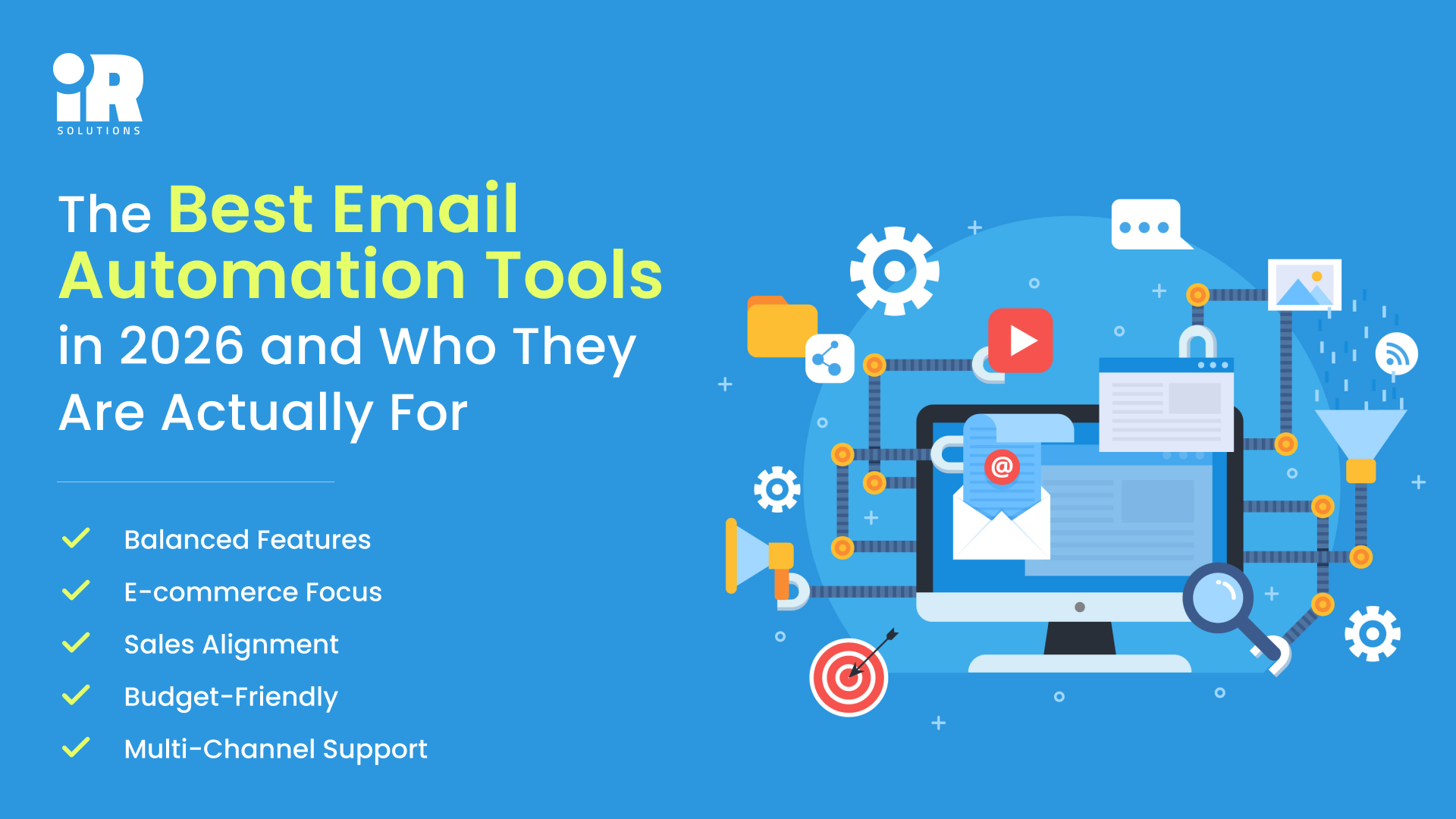
Balanced Features: ActiveCampaign sits at a sweet spot between power and everyday usability for most teams. It handles multi-step automations, lead scoring, CRM pipelines, and site tracking all inside one platform. For service businesses and B2B companies, it often replaces three separate tools at once without much hassle. The learning curve is real, so give yourself a few weeks to get properly comfortable with it.
Ecommerce Focus: Klaviyo is in a class of its own if you run any kind of e-commerce store. It pulls in purchase history, browsing behaviour, and product data to trigger emails that feel genuinely personalised to each buyer. Abandoned cart flows built in Klaviyo routinely recover between 8 and 15 percent of lost transactions, which justifies the cost fast. If you want expert help running Klaviyo, you can hire a certified Klaviyo specialist to build and manage those flows properly.
Sales Alignment: HubSpot makes the most sense when your marketing and sales teams need to work inside the same system. Automation ties directly to deal stages, contact records, and pipeline movement, which keeps everyone aligned on priorities. The tradeoff is that the full marketing hub is expensive, and costs climb fast as your contact list grows.
Budget-Friendly: Mailchimp is where many teams start, and there is genuinely nothing wrong with that approach at all. The automation features are limited compared to the tools above, but it handles simple welcome sequences and follow-ups well. It also integrates with almost everything, which matters when you are working with a lean tech stack on a budget.
Multi-Channel Support: Brevo prices by sends rather than by contacts, which saves a lot of money for businesses with large lists. It also handles SMS and WhatsApp alongside email, making it useful when your audience is primarily on mobile devices.
How a Technology Partner Speeds Up the Whole Process
Most teams that try to build email automation on their own hit a wall somewhere around week two of the project. The tool is set up, and the workflow logic is mostly there, but something is not connecting the way it should be. A good technology partner closes that gap by knowing exactly where the common failure points are before they become a problem. The work typically covers a full system audit to understand what tools you already have and where the gaps are. It also covers workflow design built around how your actual sales cycle works, not a generic platform template. Custom integration connects your CRM, email platform, analytics, and ad accounts, so data moves without any manual intervention needed.
Testing and QA run every workflow through a structured check before it touches a single real contact on your list. Training makes sure your team can manage, adjust, and expand the system completely independently once it goes live. A dedicated team of digital marketing experts can integrate directly into your business and handle exactly this kind of work, from automation setup to full campaign management. For businesses that need a broader digital infrastructure built around their growth goals, a specialized IT development services team can connect every system a company runs on into one clean, automated stack. Getting the foundation right the first time is faster and cheaper than unpicking a broken setup six months down the road.
Measuring What Actually Matters
A good performing open rate across most industries sits somewhere between 20 and 30 percent consistently. Consistently below 15 percent usually points to a deliverability problem or subject lines that are simply not compelling enough to click. For automated sequences, a click-through rate between 2.5 and 5 percent is a reasonable benchmark to aim for. Low CTR with a good performing open rate means the email body or call to action is not landing well with your audience. Define what counts as a conversion for each workflow before you ever launch it, not after the fact. Above 0.5 percent unsubscribes per email is worth investigating, as it usually means frequency is too high for your audience. Revenue per email is the number that tells you whether the investment is actually paying off in real terms.
If your numbers are stuck and you cannot figure out why, a conversion rate optimisation specialist can audit your full funnel from the email through to the landing page and find exactly where contacts are dropping off.
If your campaigns aren’t performing well, this guide explains Why Your Email Open Rates Are Dropping (And How to Fix Them in 2026).
Conclusion
Email automation is not a luxury for large teams with big budgets, it is the foundation that lets any business compete and grow consistently. A properly built welcome series, a nurture sequence, and an abandoned cart flow will outperform most manual marketing operations within ninety days of going live. The businesses that scale fastest are not the ones with the most people, they are the ones that built reliable systems early and let those systems handle the repetitive work. The question is never whether to automate, it is whether you do it right the first time. If you are ready to build a system that actually converts, a digital marketing partner is ready to help you get there.
Frequently Asked Questions
What is email automation in simple terms?
It is a system that sends pre-written emails automatically based on specific actions contacts take, like signing up or buying something.
How much does email automation cost?
Costs range from free tiers on Mailchimp to several hundred dollars per month on platforms like HubSpot for larger lists.
Is email automation only for e-commerce businesses?
No, service businesses, SaaS companies, agencies, and B2B teams all use it heavily for lead nurturing and onboarding. IR Solutions works across multiple industries including retail and e-commerce, fintech, and startups.
What is the difference between a drip campaign and automation?
A drip campaign sends emails on a fixed schedule regardless of behaviour, while automation responds to what contacts actually do.
How do I know which workflow to build first?
Start with the one that solves your biggest current problem cold leads, high cart abandonment, or poor post-demo conversion rates.
Can email automation hurt deliverability?
Poor practice can hurt it, but well-maintained automations sent to engaged contacts actually improve your deliverability scores over time.
What is lead scoring in email automation?
It assigns points to contacts based on their behaviour, email opens, link clicks, and page visits, so your team knows who is closest to buying.
How often should automated emails be sent?
Generally, no more than one email every two to three days in a nurture sequence is a safe and respectful frequency.
Do automated emails feel impersonal?
Not if they are written well, behaviour-based branching and relevant content make automated emails feel more timely than manual ones usually do.